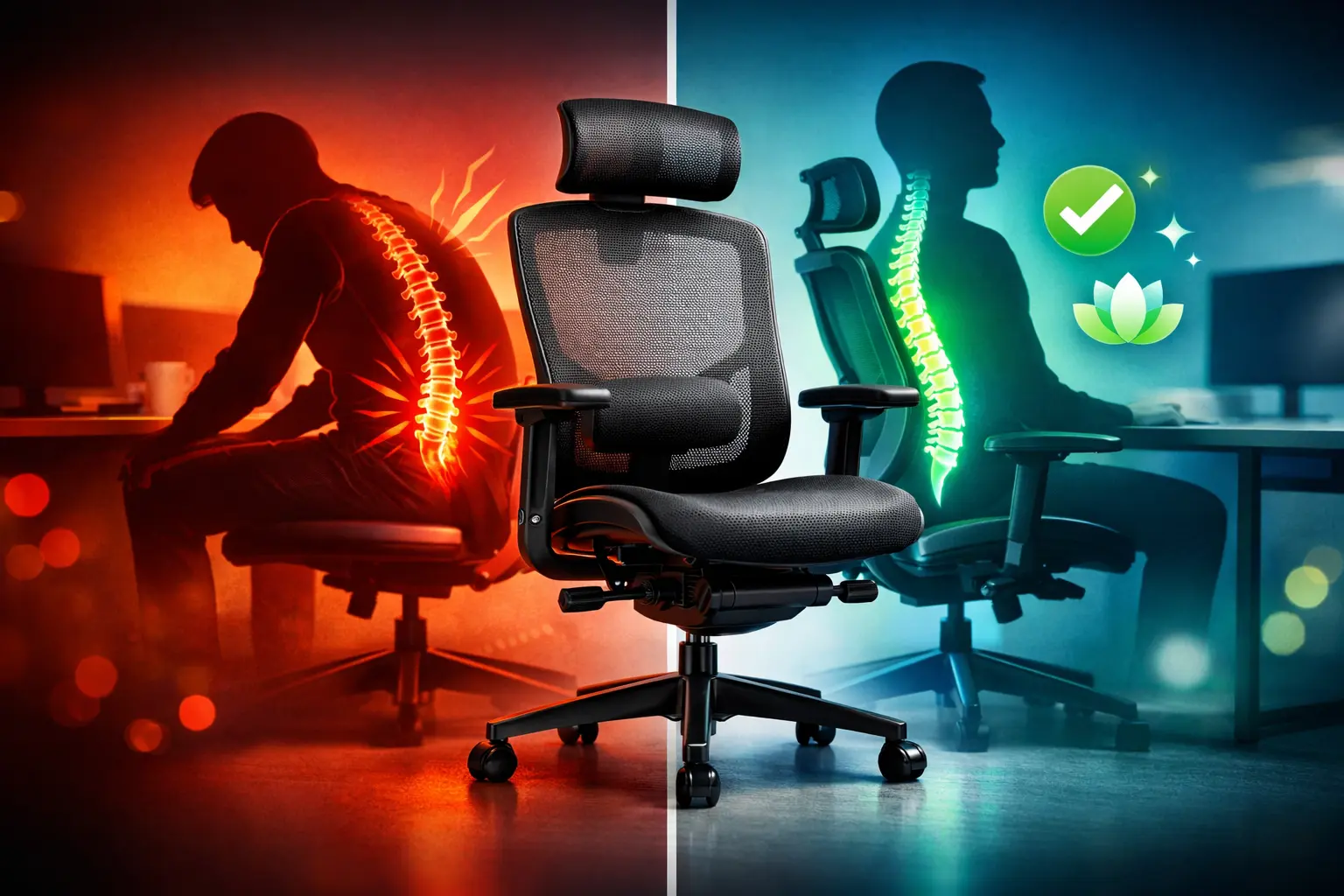
Back pain in the office has become a widespread professional health issue. According to the American Chiropractic Association, approximately 31 million Americans experience back pain at any given time. For remote workers, the situation is even more concerning, with studies showing higher rates of musculoskeletal discomfort. Choosing the right office chair for back pain is no longer a luxury—it's a necessity to preserve your health and productivity.
Research indicates that musculoskeletal disorders account for nearly 90% of occupational diseases, with millions of workdays lost annually due to lower back problems. Opting for an ergonomic chair designed for back support can significantly reduce these risks while improving your daily comfort. If you're also looking for a broader overview, our best office chairs 2026 comparison covers all use cases and budgets.
Why Choosing an Ergonomic Office Chair Is Crucial
The Impact of Back Pain on Your Work
Back pain goes far beyond simple discomfort. It directly affects your concentration, efficiency, and overall well-being. Studies show that more than 2 out of 3 employees have had, currently have, or will experience lower back pain during their career, regardless of their industry.
The consequences are far-reaching:
- Reduced productivity: chronic pain diminishes your ability to focus
- Increased absenteeism: average sick leave of 33 days for lower back issues
- Costs for businesses: equivalent to thousands of full-time positions lost annually
- Degraded quality of life: impact on sleep, mood, and personal activities
What Scientific Studies Reveal
A systematic review published in the Journal of Clinical Medicine (2025) confirms that ergonomic interventions, including adapted seating, help reduce the frequency and intensity of musculoskeletal disorders. Research demonstrates that a well-designed chair for back pain relief promotes a neutral posture of the spine and pelvis.
However, experts emphasize that effectiveness depends on several factors: the quality of the chair, its correct adjustment, and its use combined with good postural habits. To explore these criteria further, check out our guide on essential criteria for an ergonomic office chair.
Essential Features of a Chair for Back Pain Relief
Before discovering our selection, let's examine the essential characteristics of an effective office chair for back pain.
Adjustable Lumbar Support
Lumbar support is the most critical element. Studies conducted at the University of California, Berkeley demonstrate that properly positioned lumbar support maintains the natural curvature of the spine and reduces pressure on intervertebral discs.
Features to look for:
- Height adjustable to adapt to your body type
- Depth adjustable according to the desired support intensity
- Material firm enough for effective support
- Removal option for users who don't need it
Ergonomic Seat
The seat directly influences weight distribution and blood circulation. A quality back pain relief chair offers a seat with:
- Adjustable depth (2 to 4 finger space between the edge and the back of your knees)
- Adjustable tilt to vary positions
- High-density foam that maintains its shape over time
- Rounded edge (waterfall effect) to prevent thigh compression
Tilt Mechanism
Research indicates that micro-movements while seated help prevent lower back pain. A synchronous mechanism allows the backrest and seat to tilt together, maintaining an optimal angle between the torso and thighs.
For a complete understanding of technical features, our article on how to choose the best office chair will guide you in your decision.
Our Selection of Office Chairs for Back Pain
After analyzing professional needs and feedback from ergonomics experts, here is our selection of the best ergonomic chairs for back pain relief for intensive office use. For a full side-by-side breakdown of all models with specs and pricing, see our complete 2026 office chair comparison.
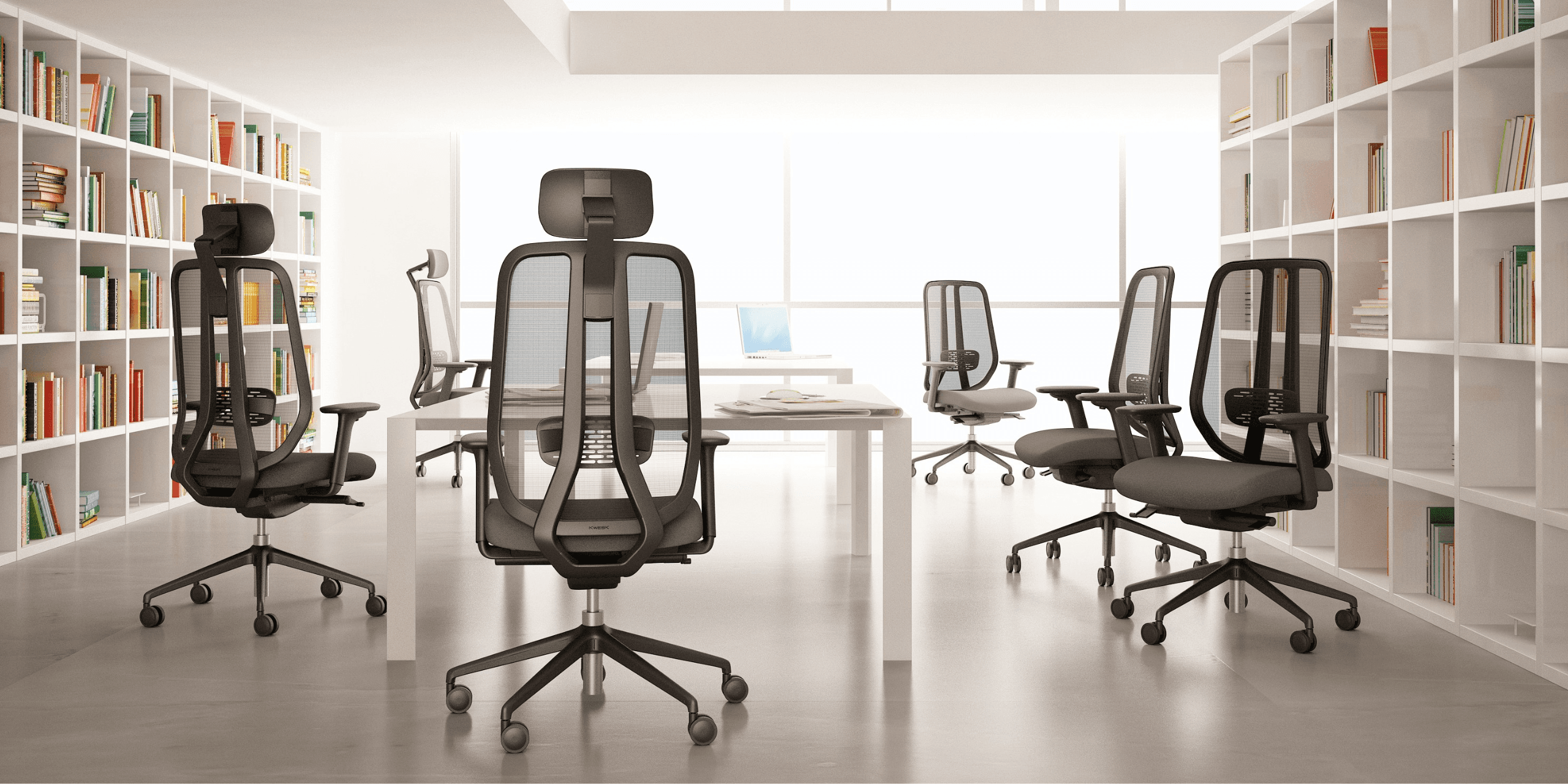
KWESK Challenger: Robustness and Comfort
The Challenger is designed for demanding environments where durability matters as much as comfort. This ergonomic chair for back support combines robust construction with advanced technology.
Key features:
- Reinforced structure supporting up to 330 lbs (150 kg)
- Self-adjusting integrated lumbar support
- Breathable, anti-perspiration covering
- 3D armrests adjustable in height, width, and depth
- Certified for 24/7 intensive use
Ideal for: call centers, control rooms, rotating workstations.
KWESK Exclusive: Premium Design and Ergonomics
For those seeking an office chair for back pain that combines aesthetics and functionality, the Exclusive meets all requirements. Its contemporary design integrates perfectly into executive offices. For everything specific to management-level seating, our executive chair selection guide covers the criteria in depth.
Key features:
- High-end finishes (leather or premium fabric)
- Adjustable pneumatic lumbar support
- Tilting mechanism with anti-return lock
- Multi-layer padding for optimal comfort
- Chrome base with silent casters
Ideal for: executive offices, client reception areas, premium environments.
KWESK BY-G: Maximum Flexibility
The BY-G stands out for its exceptional versatility. This office chair designed for back pain suits all body types thanks to its numerous adjustments.
Key features:
- 12 adjustment points for total customization
- Dynamic lumbar support that follows your movements
- Sliding seat to adjust depth
- Backrest reclinable from 90° to 135°
- Lightweight yet robust construction
Ideal for: shared environments, hot-desking, users with varied body types.
How to Properly Adjust Your Back Pain Relief Chair
Owning an excellent ergonomic chair for back pain isn't enough—you need to know how to adjust it correctly. Studies show that many users don't take advantage of available adjustments, thus reducing their equipment's effectiveness.
Height Adjustment
Your feet should rest flat on the floor, thighs parallel to the ground. Your knees should form a 90° to 100° angle. If your desk is too high, use a footrest rather than raising your chair excessively.
Lumbar Support Adjustment
Position the lumbar support in the curve of your lower back, generally between L3 and L5 (at belt level). It should fill the natural space without pushing your back forward.
Seat Depth
Adjust the seat to leave 2 to 4 fingers of space between the back of your knees and the seat edge. A seat that's too deep creates pressure behind the knees; too short, it doesn't adequately support the thighs.
Armrest Position
Armrests should allow your shoulders to stay relaxed, with elbows forming a 90° angle. Too high, they create shoulder tension; too low, they become useless.
For a detailed comparison of adjustments by model, check out our ergonomic office chair comparison.
Best Practices to Prevent Back Pain at the Office
A high-performing office chair for back pain is essential, but it must be accompanied by good daily habits.
Alternate Positions
Don't stay static. Change position regularly by shifting from a slightly reclined posture to a more upright position. Micro-movements promote blood circulation and reduce muscle fatigue. Many professionals also find that alternating with a sit-stand desk throughout the day significantly reduces lower back tension.
Take Active Breaks
Stand up every 45 to 60 minutes. A few simple stretches are enough to restart circulation and relax stressed muscles. Health organizations recommend these breaks as a preventive measure against musculoskeletal disorders.
Optimize Your Workstation
Your back support chair doesn't work alone. A fully ergonomic workstation setup ensures that every element — screen height, keyboard position, lighting — works together with your chair to protect your posture. Make sure that:
- Your screen is placed at eye level
- Your keyboard allows you to keep wrists straight
- Your mouse is close to the keyboard
- Lighting avoids glare and visual fatigue
Strengthen Your Muscles
Core exercises and back strengthening complement your chair's action. Toned back muscles naturally support your spine.
Why Choose a Professional KWESK Chair
As an office chair manufacturer, KWESK designs seating specifically engineered for intensive business use. Our expertise translates into several distinctive advantages.
Guaranteed Durability
All our chairs benefit from a 5-year warranty covering the structure, mechanism, and upholstery. This durability represents a profitable long-term investment, particularly for large fleets.
Innovative Materials
Our high-resilience foams maintain their ergonomic properties through years of daily use. Mechanisms are tested to withstand more than 100,000 cycles, ensuring reliable long-term operation.
B2B Expertise
Our team supports businesses in choosing and configuring seating according to their specific needs: user body types, duration of use, budget constraints, and aesthetics.
Conclusion: Invest in Your Spinal Health
Choosing the right office chair for back pain is an investment in your health and professional performance. With nearly half of workers affected by back pain, ignoring this issue is no longer an option.
The five models presented meet the strictest requirements in terms of ergonomics and durability. Whether you're an executive, purchasing manager, or simply concerned about your comfort, you'll find the ergonomic back support chair that meets your needs in the KWESK range. For a full ranked comparison of all our 2026 models by use case and budget, visit our best office chairs 2026 guide.
Don't wait for pain to set in. Contact our team for personalized advice and discover how our chairs can transform your daily work experience.
Sources:
- American Chiropractic Association - Back Pain Statistics
- Journal of Clinical Medicine (2025) - Efficacy of Ergonomic Interventions on Work-Related Musculoskeletal Pain
- University of California Berkeley - Research on Office Chair Ergonomics