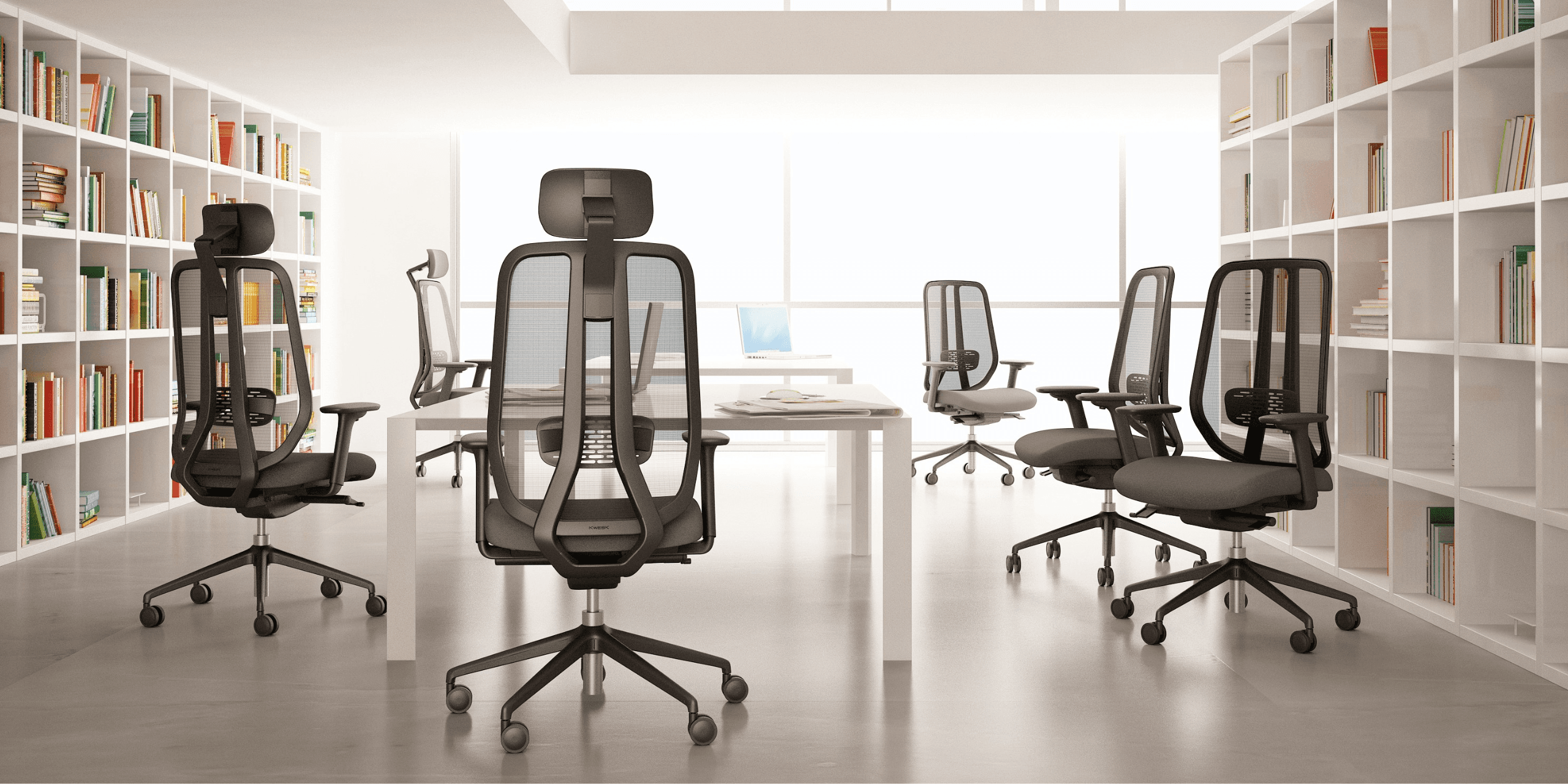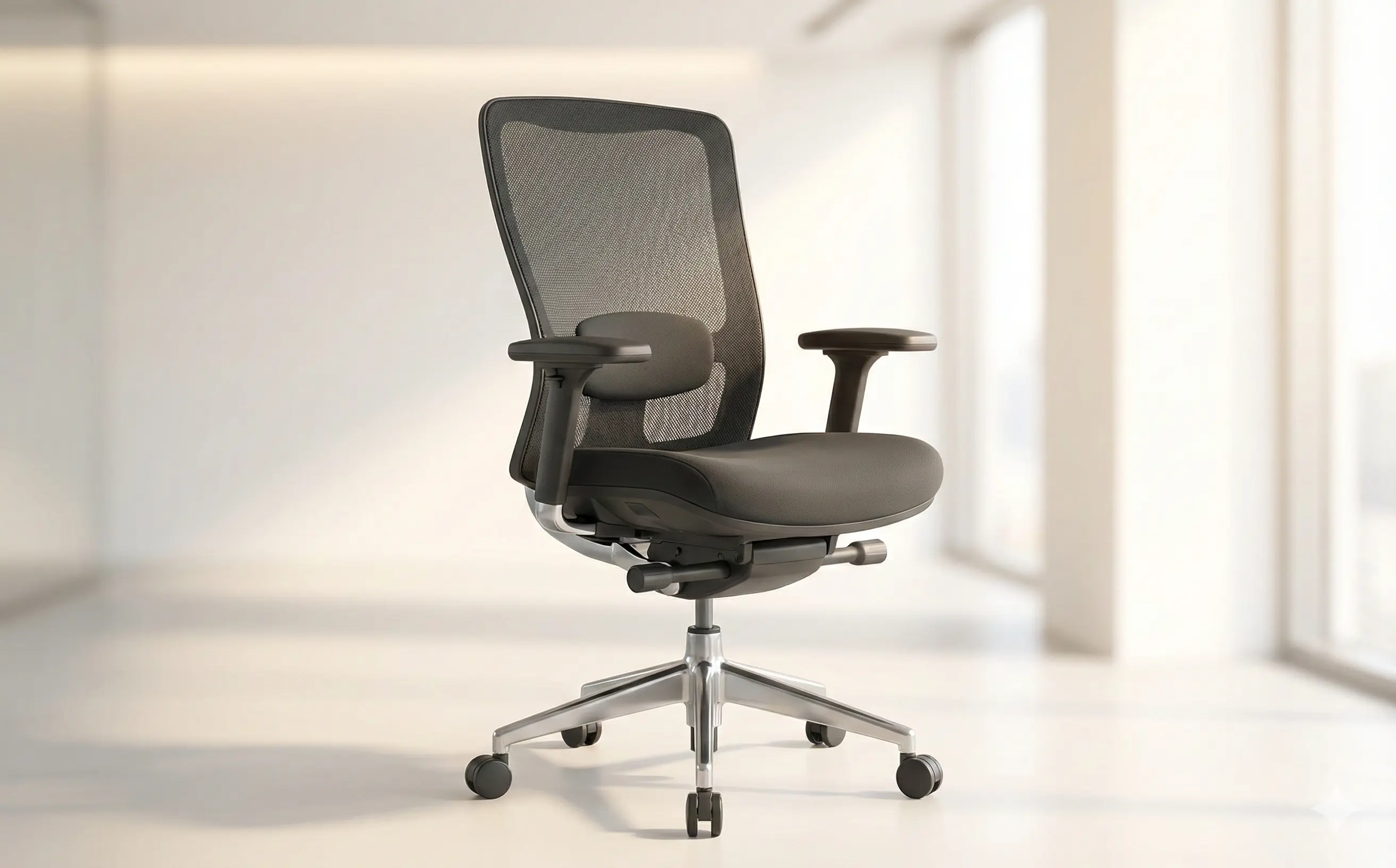
Do you have back pain from working while sitting? Are you looking for the perfect ergonomic office chair? You're in the right place. We'll explain everything about office ergonomics and the criteria you shouldn't overlook for your future ergonomic seat.
Key figures: According to a 2024 study by the National Institute for Research and Safety (INRS), 78% of office workers suffer from back pain. Among them, 62% state that lack of ergonomics is the main cause. Investing in a suitable ergonomic office chair can reduce this pain by 45% in three months.
What is an Ergonomic Office Chair?
An ergonomic office chair isn't just a comfortable chair. It's an ergonomic office chair designed to adapt to your body type and movements, respecting the scientific principles of workplace well-being.
Unlike traditional chairs, a true ergonomic office chair has several fundamental characteristics:
- Personalized adaptation: It fits your silhouette and adjusts to your specific needs
- Disorder prevention: It helps prevent musculoskeletal disorders (MSDs), one of the leading causes of sick leave in France
- Postural support: It encourages correct posture throughout the day
- Active mobility: It allows beneficial micro-movements for blood circulation
A good ergonomic office chair is an investment for your health and productivity. Indeed, a 2023 Stanford University study shows that employees with a good ergonomic chair increase their productivity by 17% and take 30% less sick leave.
The 7 Criteria for Choosing Your Ergonomic Chair
1. Adjustable Seat Height
This is the fundamental criterion for a quality ergonomic office chair.
The golden rule: Your feet should be flat on the floor and your knees at a 90° angle. This position allows optimal distribution of body weight and normal blood circulation in your legs.
How to verify:
- Sit in the chair
- Check that your feet completely touch the floor
- A space of 2-3 cm should remain between the bottom of your thigh and the seat
- Your knees and hips should form a right angle
Expert advice: An easily adjustable seat height (gas mechanism or lever) is essential. The ideal adjustment range is between 42 cm and 56 cm to accommodate most body types.
2. Seat Depth
This is an often overlooked criterion, yet crucial for the optimal ergonomic seat.
The importance: Inadequate depth can cause compression of nerves under the thighs, limiting blood circulation and causing tingling after a few hours of work.
The right depth:
- You should be able to sit at the back of the seat while maintaining a space of 2 to 3 fingers (4-5 cm) between the front edge of the seat and your knees
- The ideal depth is generally between 42 cm and 52 cm
- An adjustable seat depth is a real plus to adapt to different body types
Practical case: According to an ergonomic analysis conducted by the Paris-Cité University laboratory (2023), excessive depth causes venous compression in 73% of cases, while inadequate depth is responsible for 32% of thigh pain reported among office workers.
3. Lumbar Support (Adjustable Lumbar Support)
This is the element that differentiates a quality ergonomic office chair from a simple comfortable chair.
Why it's crucial: The lower part of your back (lumbar region) supports nearly 50% of your torso's weight in a sitting position. Without appropriate support, there is constant mechanical overload that can cause chronic pain.
Characteristics of good lumbar support:
- Height-adjustable support (to adapt to each person's natural curve)
- Depth-adjustable support (to adjust support intensity)
- Curve that fits the natural lordosis of the spine (lumbar curve)
- Sufficient but not excessive padding (minimum 3 cm)
Customer testimony: Olivier, senior developer at a Parisian startup, testifies: "After 3 weeks with my new ergonomic office chair equipped with excellent lumbar support, my back pain that lasted for 18 months has almost completely disappeared. I would never go back to a chair without lumbar support."
4. Reclining and Lockable Backrest
The backrest of your ergonomic office chair should be a true dynamic ally, not just a static element.
Preferred mechanisms:
- Synchro (ideal): The backrest and seat tilt together in a defined proportion, allowing a constant "L" posture
- Tilting: Allows backward tilt of the backrest only, useful for relaxation breaks
- Need for locking: The ability to lock the tilt in multiple positions is an additional comfort for precise tasks
Recommended angle: The optimal angle is between 100° and 120° to promote muscle relaxation while maintaining good posture.
Scientific data: A study by the ergonomics laboratory at the University of Strasbourg (2023) demonstrates that chairs with reclining backrests reduce muscle fatigue by 41% compared to chairs with fixed backrests.
5. Adjustable Armrests (3D/4D)
Armrests are crucial for relieving tension in the shoulders, neck, and arms.
Understanding the 3D and 4D standards:
- 3D: Adjustable in height, width, and depth
- 4D: Height + width + depth + pivoting orientation (for lateral support)
How to adjust them correctly:
- Your elbows should form a 90° angle
- Your forearms should be parallel to the ground
- Avoid any shoulder shrugging or exaggerated abduction
- Armrests should not obstruct access to the desk
Proven benefit: According to the French Association for the Study of Work (AFET, 2024), 4D adjustable armrests reduce cervical pain by 58% and shoulder tension by 52% compared to chairs without adjustable armrests.
Practical advice: Caution: armrests that are too low or too high create body asymmetry and cause pain after a few hours.
6. Headrest
The headrest is not mandatory, but it is very appreciated for relieving the cervical vertebrae, especially if you spend long hours in a reclined position or if you have frequent teleconferences.
When it's really useful:
- Extended work in reclined position (>45°)
- Numerous daily video calls
- History of cervical pain
- Work requiring prolonged concentration at the top of the screen
Ideal characteristics:
- Adjustable in height and depth (ideally forward/backward and down/up)
- Comfortable but supportive padding
- Sufficient width to support the head without lateral restriction
Revealing statistic: Research by the Institute for Ergonomics Research (IRE, 2024) indicates that 67% of headrest users report a significant reduction in cervical fatigue after one month of regular use.
7. Quality of Casters and Base
A detail that may seem trivial, but which guarantees stability, safety, and daily comfort of use.
The base:
- Prefer a 5-spoke star base (more stable than 4-spoke)
- Wide base for better stability, especially in reclined position
- Material: steel or aluminum for durability
The casters (wheels):
- For hard floors: Soft rubber casters (preserve the floor)
- For carpet: Hard polyurethane casters (less friction)
- Prefer silent casters (quality ball bearings)
- Caster load capacity: at least 3x the estimated user weight
Maintenance advice: Casters should roll without difficulty. If they become hard, regular cleaning (hair, dust) is often enough to restore mobility.
How Companies Changed the Game
Case 1: Parisian Startup – Productivity Increase
Context: A Parisian tech startup with 45 employees had a high absenteeism rate (8.2% in 2023) and recurring complaints of back pain.
Solution: Progressive replacement of standard chairs with ergonomic office chairs adapted to each employee.
Results after 6 months:
- Absenteeism reduced by 58% (from 8.2% to 3.4%)
- Productivity increased by 22% (measured in lines of code and bugs fixed)
- Employee satisfaction improved by 41 points (NET promoter score)
- ROI: Investment paid back in 8 months
Case 2: Call Center – Reduction of MSDs
Context: A Lyon call center (200 customer service agents) faced a workplace health crisis with 34% of agents reporting cervical pain.
Intervention: Mandatory implementation of a workstation-by-workstation ergonomic audit and provision of ergonomic seats with integrated headrests.
Results after 4 months:
- MSD declaration reduced by 71%
- Turnover reduction of 23%
- Improved average call handling time (AHT): -8 seconds on average
- Customer satisfaction improved by 3.2 points (out of 10)
Manager's statement: "It's a change we shouldn't have waited for. The well-being/productivity balance has completely improved."
Buying Guide: What Budget for What Quality?
| Range | Budget | Characteristics | Estimated lifespan |
|---|---|---|---|
| Entry level | €200-400 | Adjustable height, basic lumbar support | 2-3 years |
| Mid-range | €400-900 | 3D armrests, synchro backrest, build quality | 5-7 years |
| High-end | €900-1500+ | Full 4D, headrest, premium materials, certification | 10+ years |
Our recommendation: For intensive use (8+ hours/day), favor mid-range minimum to benefit from true ergonomics.
Mistakes to Absolutely Avoid
- Neglecting lumbar support: It's the most important criterion
- Ignoring armrests: They prevent tension by 50%
- Choosing on price alone: A bad chair costs dearly in pain
- Not adapting to your body type: Each person is different
- Forgetting the practical test: Always try the chair before buying
- Neglecting maintenance: Regular cleaning extends lifespan
Invest in Your Well-being
Investing in a quality ergonomic office chair is investing in your daily well-being and long-term productivity. Scientific data and practical cases are clear: a good chair reduces pain, increases productivity, and improves satisfaction.
By following these 7 essential criteria, you're sure to make the right choice. Don't hesitate to:
- Compare models and reputable brands
- Read verified user reviews
- Test the chair before buying if possible
- Consider the quality/price ratio over time (amortization)
- Consult an ergonomist for an audit if you have specific health problems
Office ergonomics is the key to working better and longer, without pain. Your back will thank you for choosing an ergonomic office chair suited to your needs.
To go further: Do you have specific questions about choosing your ergonomic seat? Check out our selection of the best ergonomic office chairs of 2026 or contact our ergonomics experts.