You spend an average of 8 hours a day in front of your screen. Your computer desk is therefore not just a piece of furniture, but the foundation of your productivity and health at work. According to a study by Cornell University, a well-designed workspace can increase productivity by up to 28%. Yet 62% of workers still lack equipment adapted to their needs. In this comprehensive guide, we help you choose the computer furniture that will transform the way you work.
Why Your Computer Desk Choice is Crucial
The modern computer workstation must meet far more complex requirements than a simple flat surface. Musculoskeletal disorders (MSDs) account for 87% of recognized occupational diseases according to health insurance statistics. The average cost of an MSD related to a poorly adapted workstation reaches 21,300 euros for the company.
The Impact on Employee Health
The figures speak for themselves: 68% of employees working on screens report regular pain, compared to only 42% in 2019. This significant increase is explained in particular by the intensification of screen work and the development of remote working.
A poorly sized computer desk causes constrained postures that excessively strain the muscles of the back, shoulders and neck. Over time, these constraints generate chronic pain that directly impacts the quality of professional life.
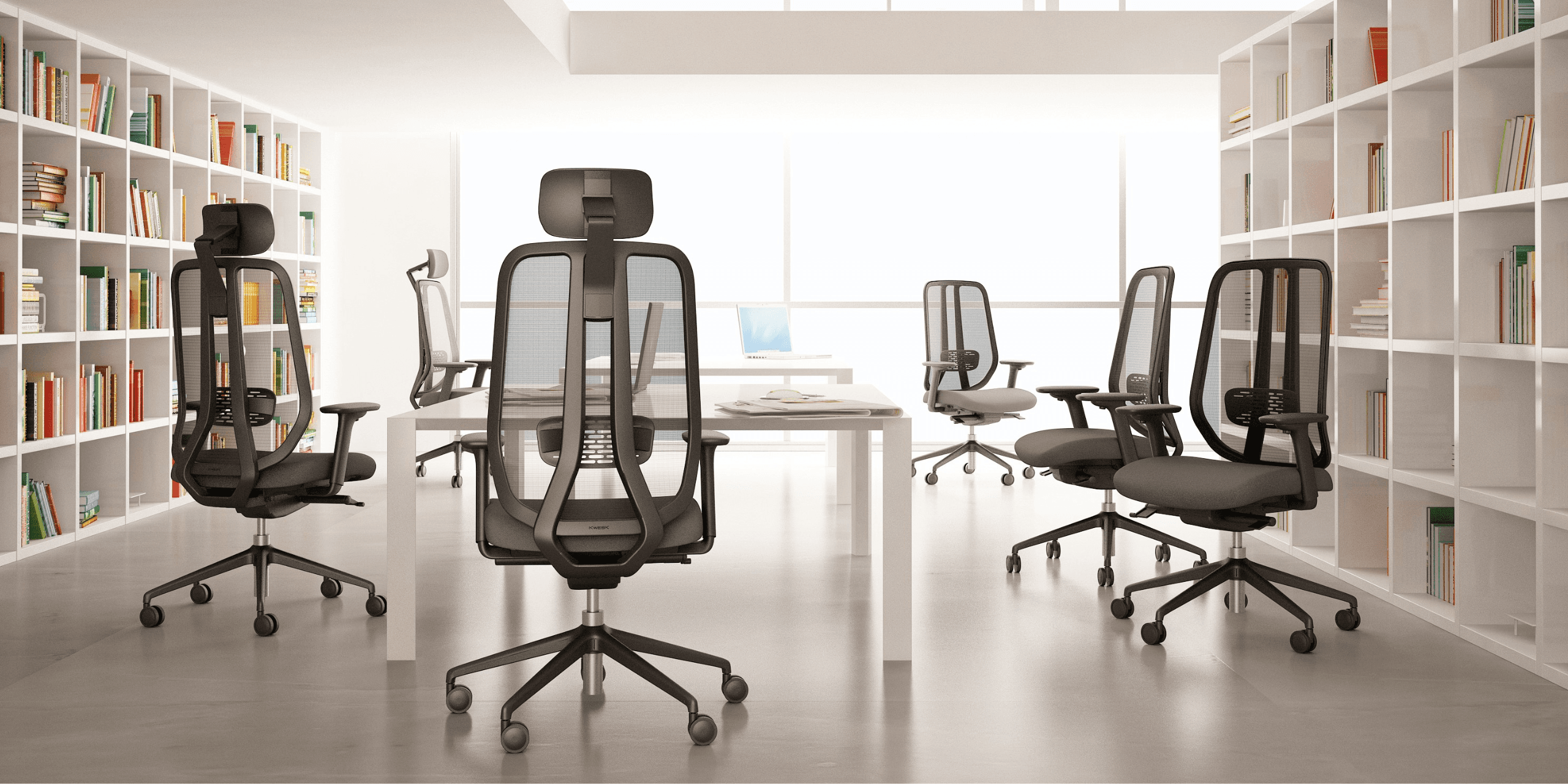
To accompany a suitable desk, the choice of seat is equally decisive. Discover our complete guide to choosing the best office chair to create a coherent ensemble.
The Influence on Productivity
A study by INRS reveals that 60% of employees consider that good office layout improves their performance at work. Well-designed computer desks allow employees to fully concentrate on their tasks without being hindered by discomfort.
The Global Workplace 2025 study demonstrates that employees working in well-designed spaces are up to 3.6 times more likely to feel productive, engaged and loyal to their company.
Ideal Dimensions for a Computer Desk
Choosing dimensions is the fundamental step in selecting your computer furniture. The National Institute for Research and Safety (INRS) recommends precise minimum dimensions to guarantee optimal comfort.
Work Surface Height
The standard height of 72 cm is designed for a person measuring 175 cm. This standard poses a major problem: it does not suit the majority of users.
Recommendations according to height:
- 1.63 m to 1.67 m: opt for a 64 cm high desk
- 1.68 m to 1.74 m: choose a 66 cm high furniture piece
- Over 1.75 m: a height of 71 cm will suit
The gap between your seat and the desktop should be between 20 and 26 cm to allow a natural forearm posture.
Optimal Depth and Width
Professional computer desks must offer enough space to accommodate screen, keyboard, mouse and documents. INRS recommends:
- Minimum width: 120 cm for a standard workstation
- Recommended width: 160 to 200 cm for dual monitors or executive desk
- Depth: 80 cm minimum to position the screen at correct distance
A depth of 80 cm allows placing the screen about 60 cm from the eyes, the recommended distance to prevent eye fatigue.
Leg Space
An often overlooked but essential point: space under the desk. Allow at least 75.5 cm of clearance for legs. This space allows for regular position changes, an essential condition for avoiding muscle stiffness.
Different Types of Computer Desks
The market offers several computer desk configurations adapted to different uses and space constraints.
The Classic Straight Desk
The most common configuration, the straight desk offers a linear work surface. It is perfectly suited to standard spaces and integrates easily into any type of layout.
Advantages:
- Simple and flexible installation
- Suitable for small spaces
- Generally accessible price
Limitations:
- Limited work surface
- Less suitable for multi-screen configurations
The Corner Desk
The corner computer workstation intelligently exploits often underused room corners. This configuration offers an extended work surface while optimizing floor space.
Advantages:
- Large work surface
- Facilitated organization with distinct zones
- Ideal for multitasking
To get the most out of this configuration, pair it with an ergonomic office chair offering smooth rotation.
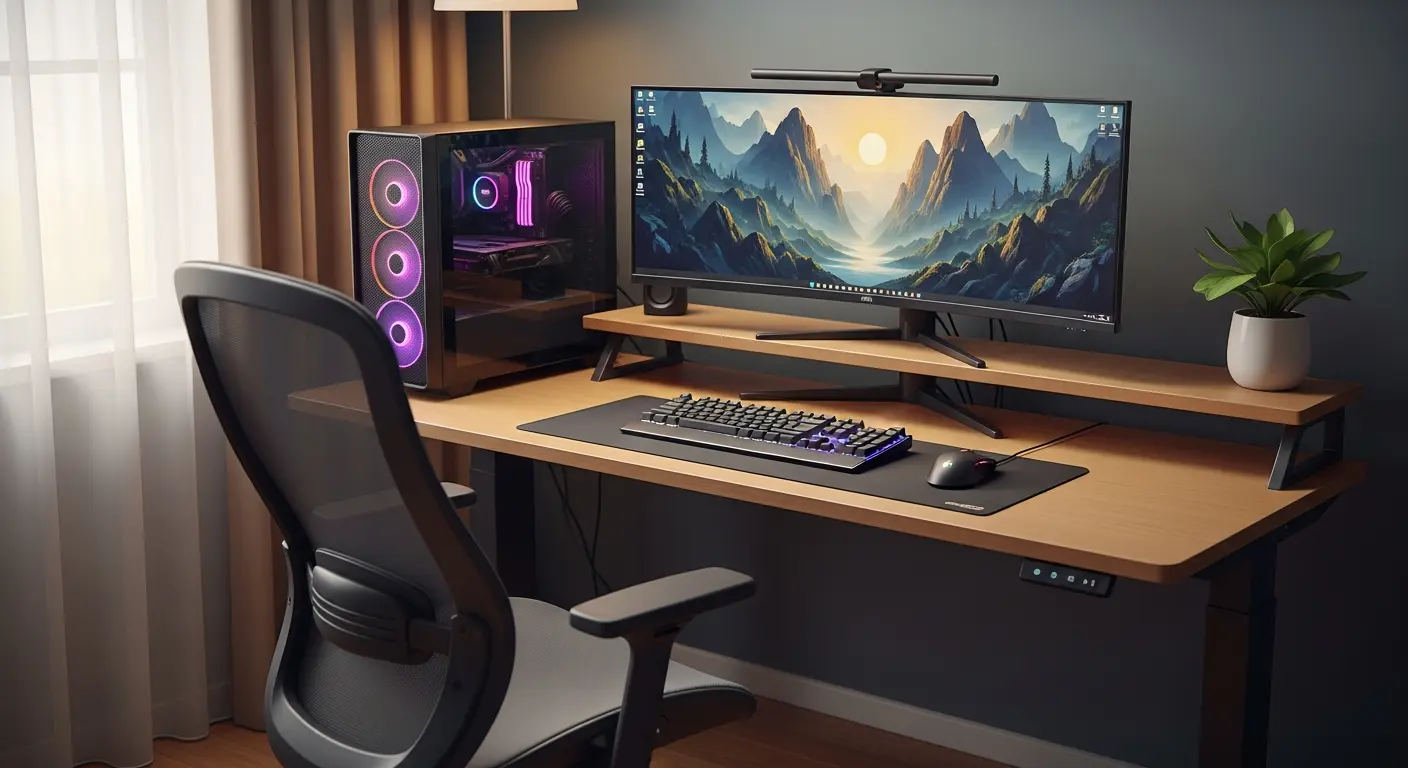
The Sit-Stand Desk
According to a study by Ergonomic Trends, 60% of employees find that the ability to alternate between sitting and standing positions improves their productivity and comfort. The height-adjustable desk meets this growing expectation.
The UFIPA 2025 Barometer confirms this trend: 71% of workers would like to work more dynamically, regularly standing or walking.
Advantages:
- Adaptation to all body types
- Alternating postures beneficial for health
- Reduction of back pain
Points to consider:
- Higher initial investment
- Requires clear space for movement
How to Set Up Your Computer Workstation
Beyond choosing the furniture itself, the overall layout of your workspace determines your daily comfort.
Screen Positioning
The screen support should be positioned perpendicular to windows to avoid reflections. The top of the screen should be at eye level, slightly tilted back (10 to 20 degrees).
This position helps maintain an upright head and reduces neck tension. A study by Cornell University's Design Research Center demonstrates that correct positioning reduces eye fatigue by 51%.
Work Surface Organization
A well-organized computer desk facilitates work and reduces unnecessary movements:
- Main zone: keyboard and mouse, directly in front of you
- Secondary zone: frequently consulted documents, within reach
- Peripheral zone: occasionally used items
Essential accessories such as monitor stand, wrist rest or document holder help optimize your posture.
The Importance of the Chair
Your computer desk forms an inseparable unit with your chair. According to INRS, 73% of office workers suffer from back pain. A professional ergonomic office chair can reduce this pain by 45% according to ergonomics experts.
For executive positions, our executive chair guide helps you select a chair combining prestige and comfort.
Materials and Build Quality
The choice of materials influences the durability, aesthetics and comfort of use of your computer furniture.
The Desktop
Professional computer desks offer different types of desktops:
- Melamine: economical and easy to maintain, ideal for standard uses
- High-pressure laminate: more resistant to scratches and heat
- Solid wood: noble and durable, for prestige offices
- Tempered glass: modern and design, requires regular maintenance
Desktop thickness (generally 18 to 25 mm) determines its strength and ability to support heavy equipment.
The Frame
The desk structure must guarantee stability and durability:
- Steel: robust and stable, ideal for intensive use
- Aluminum: lightweight and corrosion resistant
- Wood: warm aesthetics, suitable for classic environments
For intensive professional use, prefer metal frames with epoxy coating resistant to impacts.
Finishes
Details make the difference: rounded edges to prevent injuries, integrated cable management for an orderly desk, leveling feet to compensate for floor irregularities.
Budget and Investment
Acquiring a computer desk represents an investment whose return is measured in productivity and health.
Price Ranges
- Entry level (150 to 300 euros): functional desks for occasional use
- Mid-range (300 to 600 euros): professional desks with good finishes
- High-end (600 to 1,500 euros): designer or motorized sit-stand desks
- Premium (over 1,500 euros): custom executive desks
Calculating Return on Investment
MSD-related absenteeism costs companies an average of 4,500 euros per employee per year. Investing in ergonomic computer desks and professional quality chairs significantly reduces these costs.
Companies that invest in ergonomic layouts see a 20% increase in productivity according to Cornell University. An 800 euro workstation that increases productivity by 20% pays for itself in just a few months.
Practical Tips for Buying
Before purchasing your computer desk, follow these expert recommendations.
Assess Your Real Needs
Ask yourself the right questions:
- What equipment do you need to accommodate? One screen, two screens, a desktop computer?
- What is your space configuration? Measure the available location precisely
- How many hours per day do you work at this station? The more intensive the use, the more quality matters
- What are your physical constraints? Height, existing back problems
Test Before Buying
When possible, try the desk with your usual chair. Check that the height allows a natural posture and that the leg space is sufficient.
Think About the Entire Workstation
A high-performance computer desk comes with a suitable chair. Consult our comparison of chairs for back pain to complete your installation.
For demanding environments, our Challenger range offers optimal comfort for long work sessions.
Anticipate the Evolution of Your Needs
Choose scalable computer furniture: possibility of adding accessories, possible surface extension, compatibility with future equipment.
Best Practices for Daily Use
Even with the best computer desk, certain habits remain essential.
Regular Breaks
INRS recommends 5-minute breaks every hour for intensive tasks, or 15 minutes every 2 hours for less demanding tasks. Use these breaks to stand up, stretch and look into the distance.
Alternating Postures
If you have an adjustable desk, alternate between sitting and standing every 30 to 60 minutes. This dynamic stimulates blood circulation and prevents stiffness.
Space Organization
Keep your computer workstation tidy. A Stanford University study reveals that employees working in well-organized spaces improve their concentration by 23%.
Conclusion
Choosing a suitable computer desk represents a strategic investment for your health and productivity. By following ergonomic recommendations on dimensions, selecting quality materials and completing your installation with a suitable chair, you create an optimal work environment.
High-performance computer desks, combined with professional ergonomic chairs, transform your professional daily life. The initial investment pays off quickly through reduced absenteeism and improved productivity.
Explore our professional seating range designed to accompany your computer desks and create truly ergonomic workstations. Our team is available to advise you on the complete layout of your workspaces.