You spend over 7 hours a day sitting at your desk. Your employees complain of lower back pain, neck tension, or shoulder stiffness. Millions of professionals experience this scenario daily. An ergonomic chair is the first line of defense against these disorders that affect your team's productivity and well-being. Musculoskeletal disorders (MSDs) account for 88% of recognized occupational diseases, with a global cost estimated at billions of euros for modern economies (Source: INRS, 2025). Understanding how a proper chair protects your employees' health has become a strategic priority for every business.
Understanding Work-Related MSDs
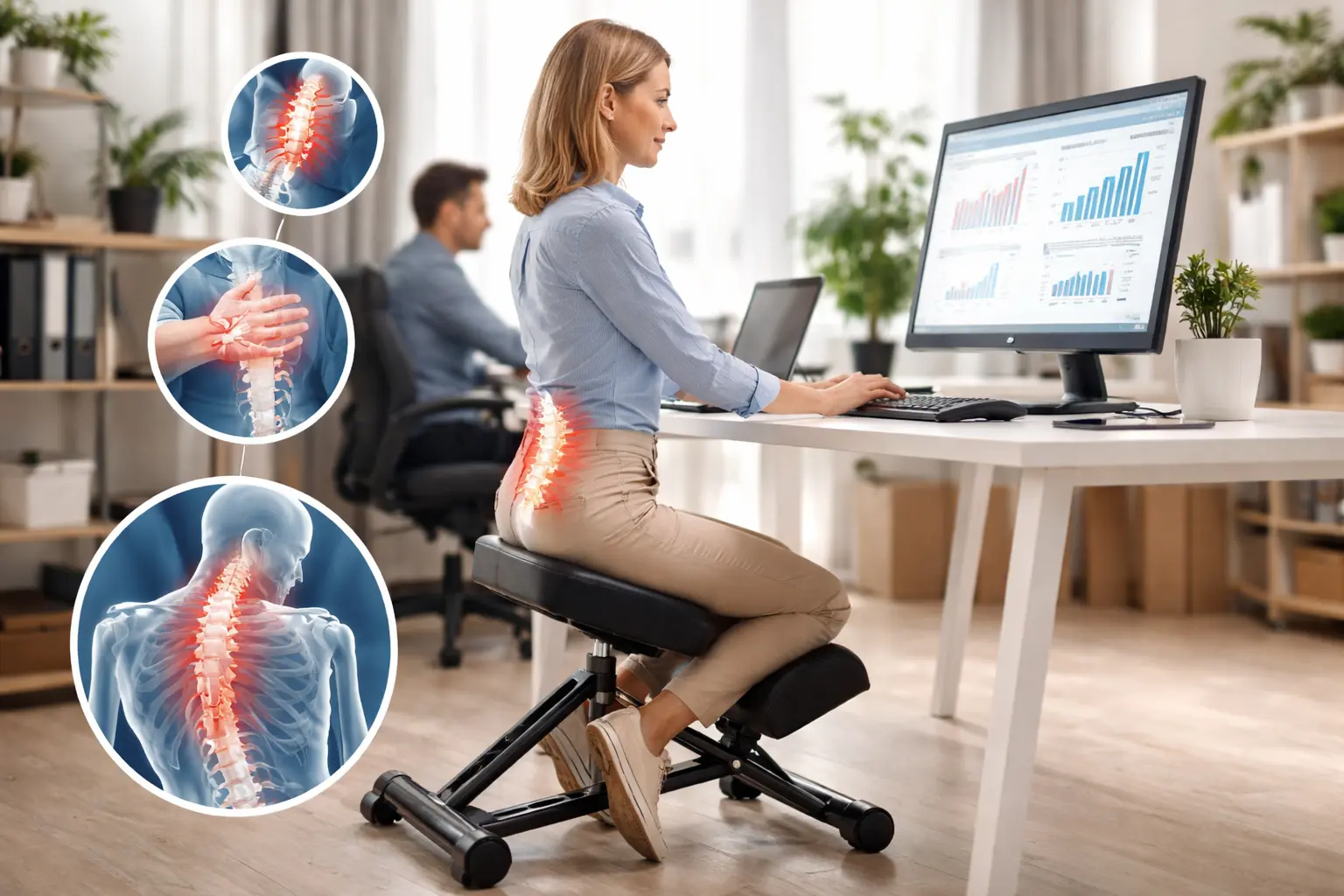
Musculoskeletal disorders encompass all conditions affecting muscles, tendons, nerves, and joints. In office settings, they primarily manifest as lower back pain, neck pain, shoulder tendinitis, and carpal tunnel syndrome.
Why Office Workers Are Particularly at Risk
Prolonged sedentary behavior places continuous mechanical stress on the spine. When you remain seated for hours in an unsuitable chair, pressure on the intervertebral discs increases by 40% compared to standing. This daily overload gradually weakens spinal structures.
Nearly 3 million workers are affected by MSDs each year across major economies (Source: National MSD Surveillance Program). More concerning still, over 60% of women and more than 50% of men report pain related to back or upper limb MSDs.
The True Cost of MSDs for Your Business
The numbers speak for themselves. The average direct cost of an MSD case amounts to approximately €21,300 per affected employee. But indirect costs — lost productivity, temporary replacements, turnover, and impact on work quality — can be 4 to 10 times higher than direct costs (Source: Kalivi, 2025).
MSDs represent 33% of all occupational injury and illness contributions paid by businesses. Investing in office ergonomics is not an expense but a measurable investment: studies show a return on investment of up to 15:1 in certain sectors, with an average gain of €2.20 per euro invested.
The Role of Ergonomic Chairs in MSD Prevention
An ergonomic chair differs from a standard seat in its ability to adapt to each user's body shape. Its purpose: maintain the spine's natural curves and distribute body pressure evenly.
Essential Features of an Ergonomic Seat
To ensure optimal work posture, your ergonomic office chair should include these key elements:
- Adjustable lumbar support: conforms to the natural lordosis of the lower back and reduces pressure on the L4-L5 and L5-S1 intervertebral discs, the most stressed in a seated position
- Adjustable seat height: positions feet flat on the floor with knees bent at 90°, promoting optimal blood circulation in the lower limbs
- Height and width adjustable armrests: relieve the trapezius and deltoid muscles by supporting arm weight, thereby reducing neck tension
- Reclining backrest with synchronous mechanism: follows the body's natural movements and prevents prolonged static postures
- Adjustable seat depth: ensures proper thigh support without compressing the popliteal area
Studies published in the Journal of Clinical Medicine (2025) confirm that a height-adjustable seat with adjustable backrest and armrests significantly reduces muscle activity in the neck, shoulders, and back while decreasing intervertebral disc pressure.
Ergonomic Chair and Lumbar Support: The Anti-Back Pain Duo
Back pain is the leading cause of sick leave among office workers. An office chair designed to combat back pain directly addresses the mechanical causes of pain.
Lumbar support fills the gap between the backrest and the natural curve of the lower back. Without this support, the lumbar spine collapses into kyphosis, which increases disc pressure and excessively strains the paraspinal muscles. Over an 8-hour day, this repeated stress causes muscle fatigue, contractures, and eventually chronic conditions.
How to Properly Adjust Your Ergonomic Chair
Owning a quality ergonomic chair is not enough. Improper adjustment negates the seat's benefits. Here is the 5-step method to optimize your work posture.
Step 1: Adjust the Seat Height
Stand facing your chair. The seat should reach your kneecap level. Once seated, your feet rest flat on the floor, your thighs are parallel to the ground, and your knees form a 90° angle. If your desk is too high, use a footrest rather than raising the chair at the expense of your posture.
Step 2: Set the Lumbar Support
Position the lumbar cushion or mechanism at your back's natural curve, typically between the L3 and L5 vertebrae. Your back should contact the backrest effortlessly. You should feel firm but comfortable support in the small of your back.
Step 3: Configure the Armrests
Your forearms should rest naturally on the armrests, forming a 90° angle at the elbow. Shoulders remain relaxed, neither raised nor drooping. Armrests set too high cause trapezius tension; too low, they encourage a leaning posture.
Step 4: Adjust the Seat Depth
Leave a 2 to 3 finger gap between the seat edge and the back of your knees. This space prevents compression of blood vessels and nerves in the popliteal area, preventing numbness and circulatory problems.
Step 5: Set the Backrest Tilt
Tilt the backrest slightly backward, between 100° and 110° from the seat. This position reduces intradiscal pressure compared to a strictly upright 90° posture. The synchronous mechanism should allow smooth tilting when you stretch.
A Holistic Approach to Office Health: Beyond the Chair
MSD prevention does not rely solely on the ergonomic chair. A meta-analysis published in the Journal of Clinical Medicine (2025) emphasizes that multifactorial interventions — combining adapted equipment, training, and workspace design — deliver the most lasting results.
Setting Up a Complete Workstation
Office ergonomics encompasses your entire work environment. Your office layout should account for:
- The screen: position the top of the monitor at eye level, at arm's length (50-70 cm). This prevents prolonged cervical flexion, a source of neck pain
- Keyboard and mouse: place them at elbow height to maintain wrists in a neutral position and prevent carpal tunnel syndrome
- Lighting: poor lighting causes you to lean toward the screen, creating neck and back tension
- The desk: consider a sit-stand desk to alternate positions and reduce continuous sedentary time
Incorporate Active Breaks
The 20-20-20 rule is a minimum: every 20 minutes, look at a point 20 meters away for 20 seconds. Ideally, stand up every 45 to 60 minutes to walk, stretch, or perform a few joint mobilization movements. These micro-breaks reduce muscle fatigue and restore blood circulation.
The Remote Work Factor
The widespread adoption of remote work caused a 30% increase in MSDs among employees, primarily due to inadequate home setups. If your teams work from their home office, providing a professional-grade ergonomic chair is an essential MSD prevention investment.
Choosing the Right Ergonomic Chair for Your Business
Selecting a professional seat depends on usage, user profiles, and durability requirements. Here are the criteria to prioritize for an informed purchase.
Selection Criteria for Intensive Use
In a professional context, your chairs endure intensive use: 8 hours a day, 5 days a week, often shared among multiple users. The professional ergonomic chair buying guide recommends checking:
- Certification and warranty: a minimum 5-year warranty reflects the manufacturer's confidence in product durability
- Material quality: high-density foam for the seat, breathable mesh for the backrest, aluminum base for strength
- Range of adjustments: the more adjustment points a chair offers, the better it adapts to your employees' varied body types
- Weight capacity: verify the chair meets applicable standards for the intended use
- Ease of maintenance: in a professional environment, upholstery must withstand regular cleaning
Which Chair Type for Which Profile
Needs vary according to roles and responsibilities:
- For executives and managers: an executive chair combines prestige, comfort, and ergonomics, suited to long days of meetings and strategic work
- For administrative positions: a chair with a synchronous mechanism and adjustable lumbar support covers the essential daily office ergonomics needs
- For collaborative spaces: versatile chairs with intuitive adjustments allow easy sharing between users
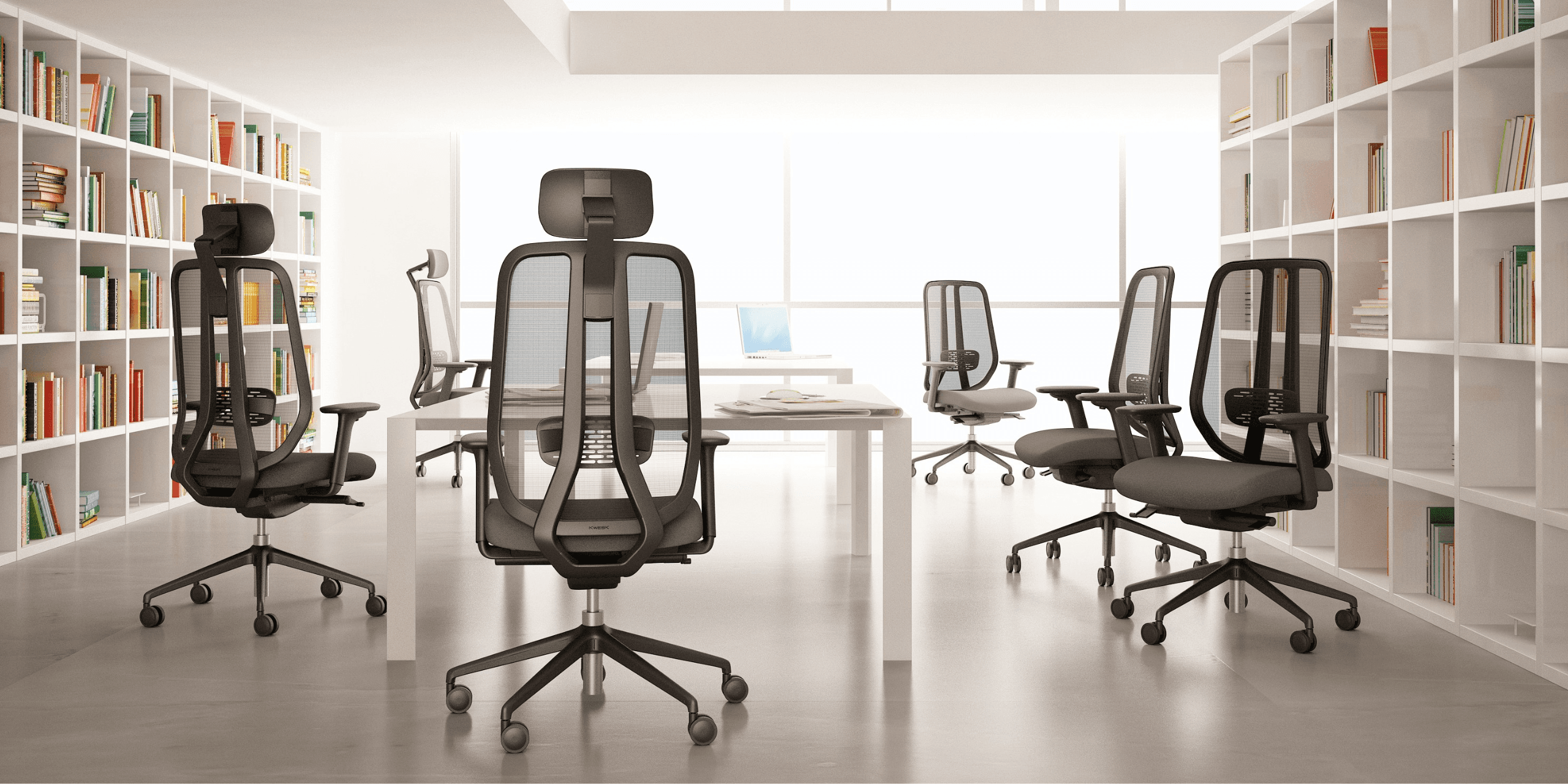
Explore the complete range of KWESK ergonomic chairs, designed for intensive professional use: from the versatile Challenger to the premium Exclusive, and the Challenger built for demanding environments.
Best Practices for an Effective MSD Prevention Strategy
Equipping your offices with ergonomic chairs is a fundamental step. To maximize the impact on your team's office health, adopt a structured approach.
Conduct an Ergonomic Audit
Before any investment, assess the current situation. Identify high-risk workstations, recurring complaints, and absenteeism rates linked to MSDs. This baseline allows you to prioritize actions and measure future improvements.
Train Employees on Proper Adjustments
A poorly adjusted ergonomic chair loses its entire purpose. Organize training sessions to teach each employee how to adjust their chair to their body shape. Research shows that training alone produces limited long-term results, but when combined with proper equipment, it multiplies the benefits.
Plan Furniture Renewal
A planned and phased office chair replacement optimizes your budget while ensuring a high-performing fleet of chairs. Start with the most exposed workstations: those where employees sit the longest or already show MSD symptoms.
Measure Results
Track concrete indicators: absenteeism rate trends, number of pain reports, employee satisfaction. This data justifies the investment and guides corrective actions.
Conclusion
An ergonomic chair is not just office furniture: it is an MSD prevention tool that protects your employees' health and your company's performance. With MSDs costing billions to modern economies each year, every euro invested in office ergonomics generates a measurable return through reduced absenteeism, productivity gains, and improved workplace well-being.
The key is to act now. Start with an audit of your workstations, identify priority needs, and equip your teams with chairs truly designed for intensive professional use.
Discover KWESK ergonomic chairs, designed and backed by a 5-year warranty to support your team's long-term office health. Contact our experts for personalized advice tailored to your needs.